

Download VK Media Player – free video player for Windows
Overview of VK Media Player
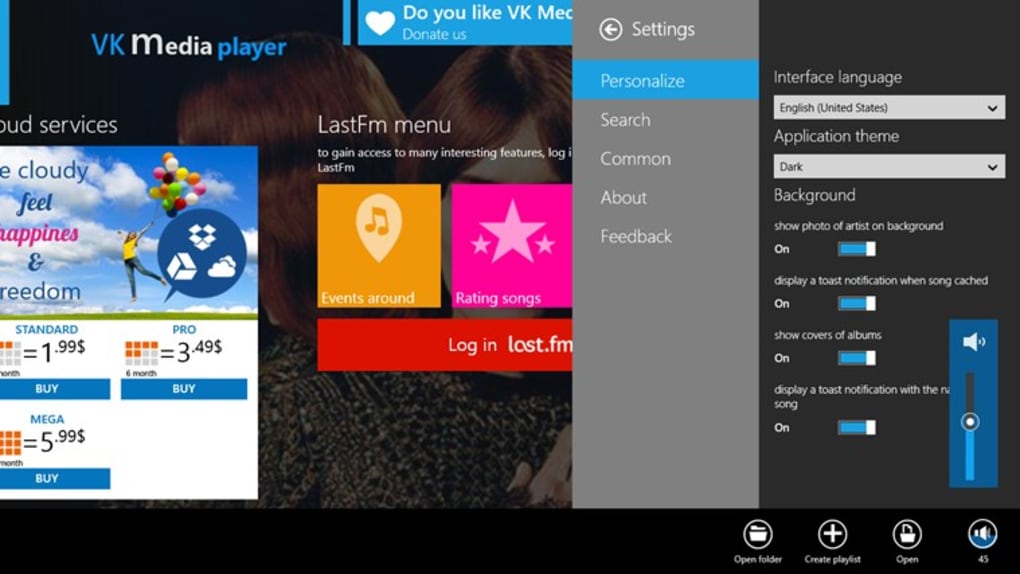
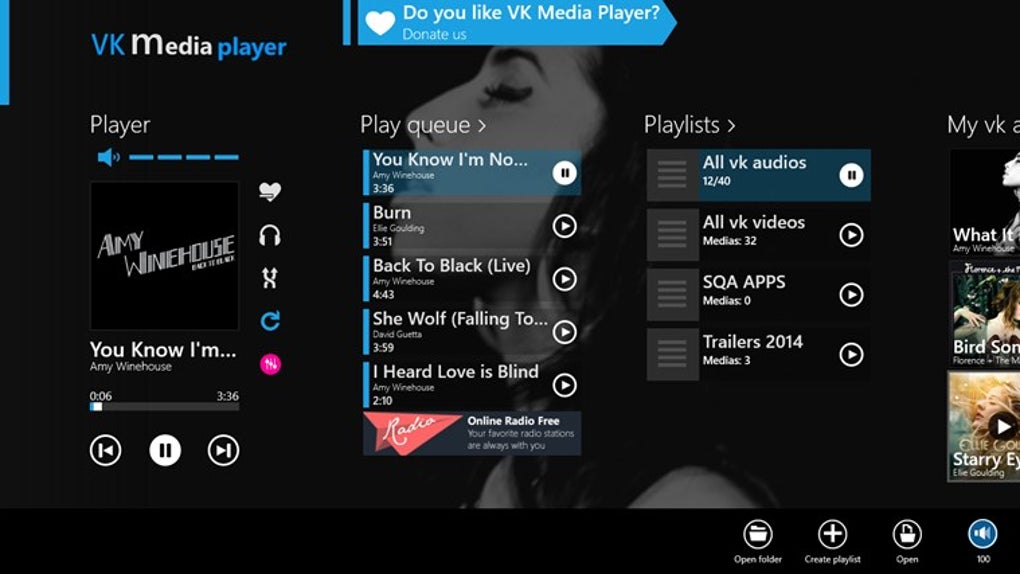
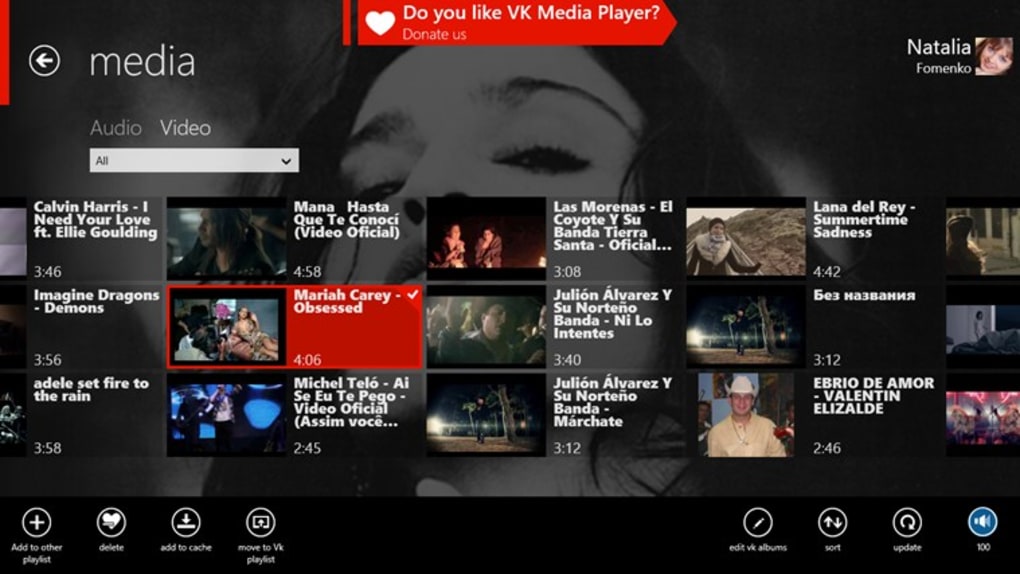
VK Media Player is a lightweight, free video program designed exclusively for Windows PCs. Developed by Digital Cloud Technologies, this player targets users who need a reliable, no‑frills solution for playing a wide range of video formats on Windows 10, Windows 8.1, and earlier versions. Since its addition to popular software directories in 2014, VK Media Player has amassed over 12,000 downloads worldwide, with a strong user base in the United States, Bahrain, and Canada. The application supports multiple interface languages—including English, Spanish, and German—making it accessible to a global audience. Although the exact install size isn’t published, the program’s modest footprint ensures it runs smoothly even on older hardware. Updates to the software have been infrequent; the most recent public update was released on October 26 2015, but the core playback engine remains stable and compatible with modern video codecs. Whether you’re watching home movies, streaming educational content, or need a dependable player for everyday media consumption, VK Media Player offers a secure, ad‑free environment that respects user privacy while delivering crisp video playback.
Key Features and Capabilities
- Supports popular video formats such as MP4, AVI, MKV, WMV, and MOV.
- Simple, intuitive user interface that can be customized with skins.
- Hardware acceleration for smoother playback on low‑end PCs.
- Playlist creation and management with drag‑and‑drop functionality.
- Subtitle support for SRT, ASS, and SUB files, with on‑the‑fly syncing.
- Full‑screen mode with aspect‑ratio control and screen‑stretch options.
- Audio equalizer and volume boost for enhanced sound quality.
- Multi‑language interface (English, Spanish, German) and right‑to‑left text support.
- Portable version available for USB‑based usage without installation.
- Regular security patches to protect against vulnerabilities.
Why Those Features Matter
Each feature is built with a focus on usability and performance. Format support eliminates the need for additional codecs, while hardware acceleration reduces CPU load during high‑definition playback. The subtitle engine is especially useful for foreign‑language films, letting users adjust timing without external tools. The lightweight design ensures quick launch times, an essential factor for users who switch between multiple media files throughout the day. Moreover, the portable version enables users to carry their preferred player on a flash drive, perfect for travel or shared workstations where installing software is restricted.
Installation, Compatibility, and Daily Usage
Step‑by‑Step Installation Guide
- Visit the official VK Media Player download page and click the Download button for Windows.
- Save the installer (typically
vkmediaplayer_setup.exe) to a convenient folder. - Run the installer with administrator privileges to allow system‑level file placement.
- Follow the on‑screen wizard: accept the license agreement, choose the installation directory (default is
C:\Program Files\VK Media Player), and select optional components such as desktop shortcuts. - Click Install and wait for the process to complete—this usually takes less than a minute on modern hardware.
- Launch the player from the Start menu or desktop shortcut and configure initial settings (language, default video output, and subtitle preferences).
Operating System Compatibility
VK Media Player is officially compatible with Windows 10, Windows 8.1, Windows 8, Windows 7, and earlier versions down to Windows XP SP3. The software leverages DirectX for video rendering, ensuring smooth playback across both 32‑bit and 64‑bit environments. While the application does not have native macOS, Android, or iOS versions, its portable build can be run on any Windows machine without requiring administrative rights, making it ideal for shared computers in schools or libraries.
Everyday Usage Tips
After installation, drag a video file onto the VK Media Player window to start playback instantly. Use the right‑click context menu to add the file to a playlist or to load an external subtitle file. For users who frequently watch high‑resolution content, enable the “Hardware Acceleration” toggle in the Settings menu to offload decoding to the GPU. The built‑in equalizer can be accessed via the audio controls, allowing quick adjustments for bass boost or treble enhancement. Keyboard shortcuts such as Space for play/pause, F for fullscreen, and Ctrl + O for opening files improve workflow efficiency for power users.
Pros, Cons, FAQ, and Final Verdict
Pros & Cons
- Pros
- Free and ad‑free, with no hidden subscription fees.
- Broad format support eliminates the need for external codec packs.
- Lightweight design runs well on older hardware.
- Multi‑language interface and subtitle synchronization.
- Portable version for use on USB drives.
- Cons
- Interface looks dated compared to modern streaming apps.
- Updates have been infrequent; some newer codecs may lack native support.
- No built‑in streaming or online library integration.
- Limited customization beyond skins and basic settings.
Frequently Asked Questions
-
Is VK Media Player safe to download?
Yes, the official download link provides a clean installer free from malware or adware. Always download from the developer’s website or reputable software directories.
-
Can I play 4K videos with VK Media Player?
The player supports 4K playback if your hardware (GPU and CPU) can decode the video stream. Enabling hardware acceleration improves performance on high‑resolution files.
-
Does VK Media Player work on Windows XP?
Yes, the last compatible version runs on Windows XP SP3, though newer video codecs introduced after 2015 may not be supported.
-
How do I add subtitles to a video?
Drag an SRT, ASS, or SUB file onto the playback window, or use the right‑click menu → “Load Subtitle”. You can also adjust timing from the subtitle settings panel.
-
Is there a portable version that doesn’t require installation?
Yes, Digital Cloud Technologies offers a portable ZIP package that can be extracted to a USB stick and run directly, perfect for environments where you cannot install software.
Conclusion & Call to Action
VK Media Player remains a solid choice for Windows users who prioritize simplicity, speed, and cost‑free operation. While the UI may feel a bit retro and the update cadence is modest, the core playback engine delivers reliable performance across a variety of video formats and resolutions. If you need a dependable player that won’t bog down older PCs, the free version offers everything essential for everyday media consumption, plus a portable edition for on‑the‑go use. Download VK Media Player today, enjoy ad‑free playback, and experience a classic media player that still holds its own in a streaming‑dominated world.







